Tutorial 6: Maintenance
Health check
The fastest way to check everything is the Settings screen — press 6 in the TUI. It shows daemon status, Moshi pairing state, and your current config without leaving ccmux.
For a detailed non-interactive report from the shell:
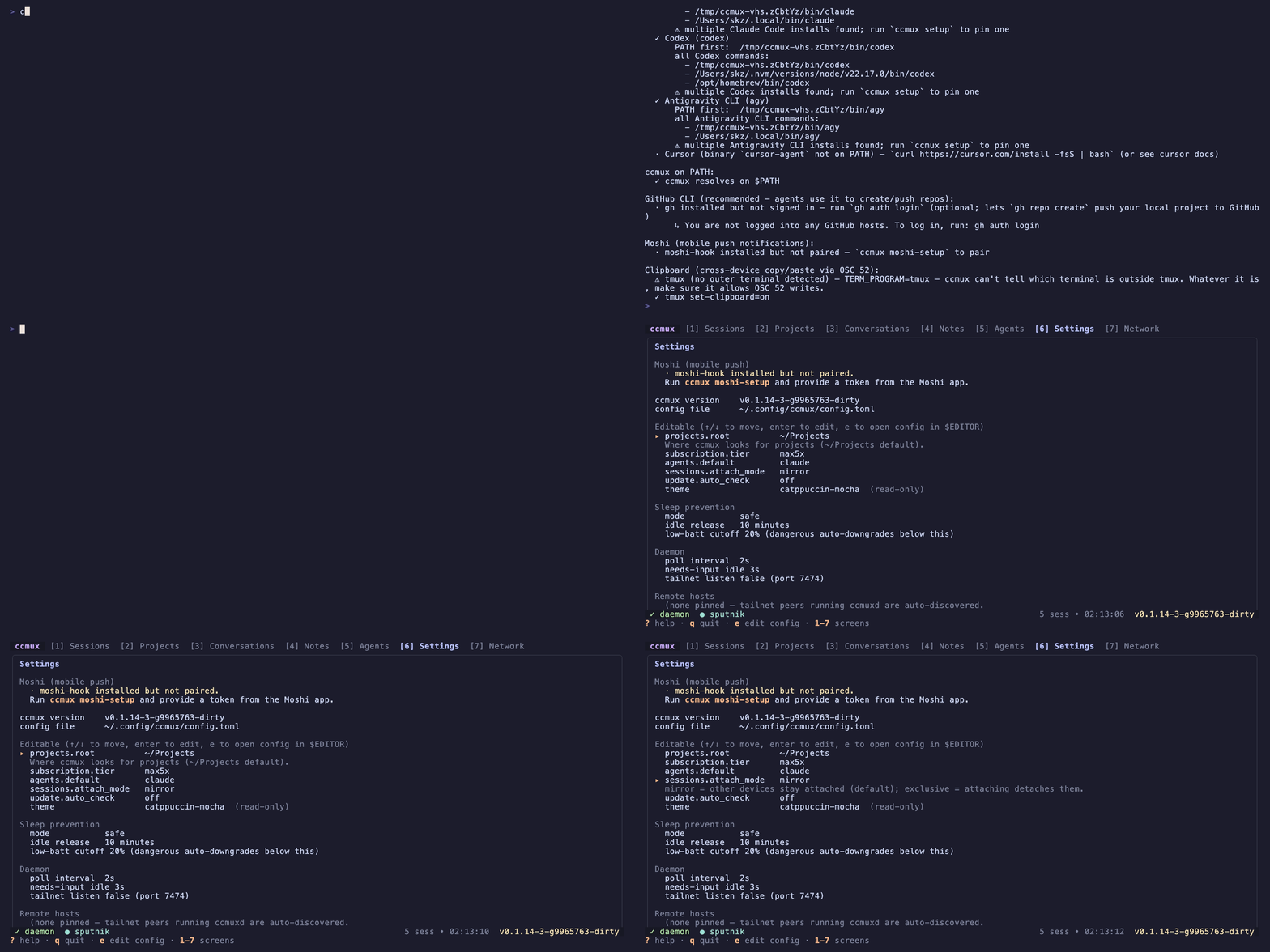
ccmux doctorNon-interactive check of tmux, mosh, Tailscale, ripgrep, every AI agent, and Moshi pairing. Include the output when filing bug reports.
Update
Source installations can show a dashboard banner when their git checkout falls behind. For packaged installations, check the latest release.
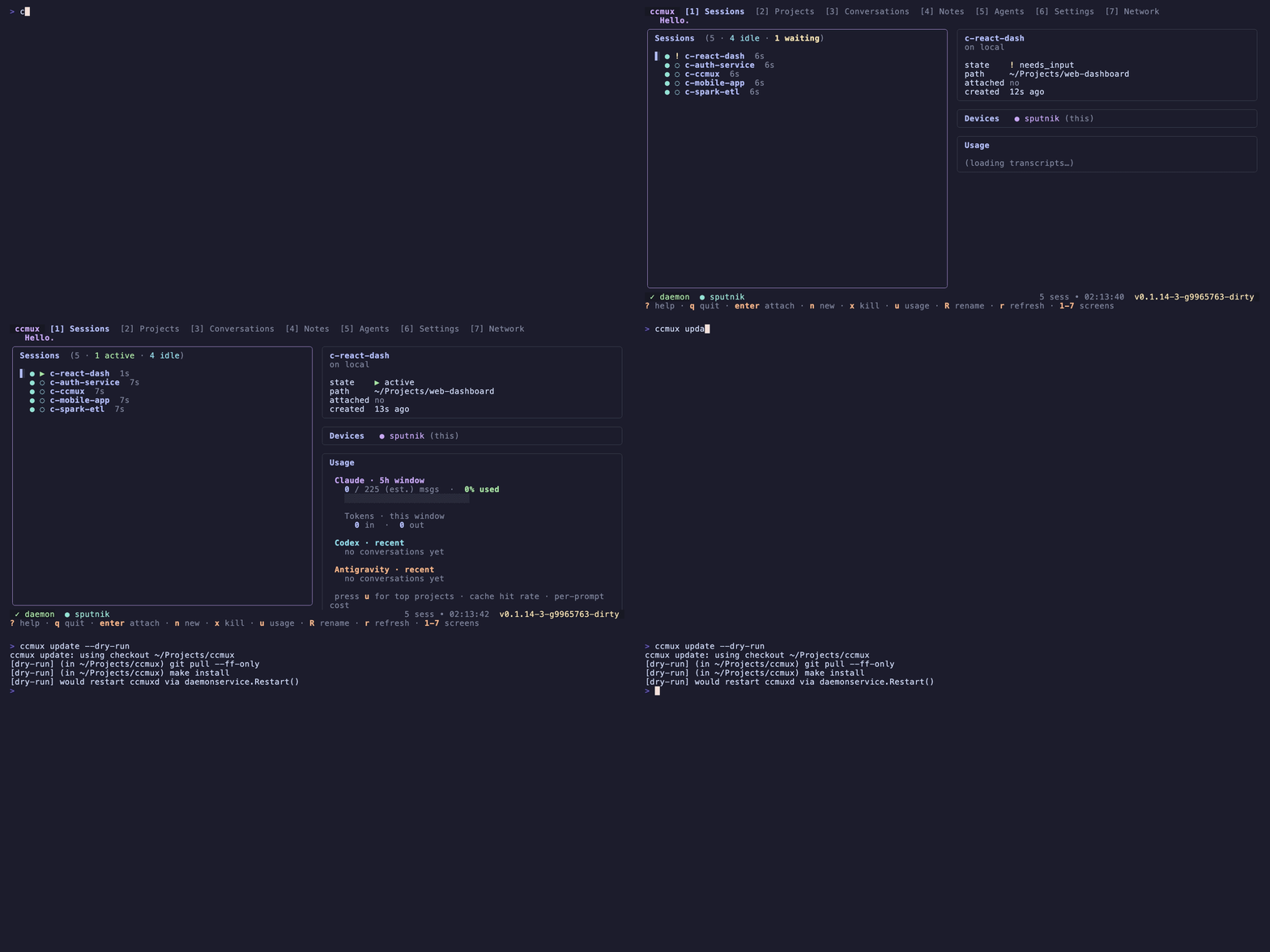
ccmux updateFor Homebrew installations, this runs brew update and upgrade. For source installations, it pulls the checkout and rebuilds the binaries. Both paths restart the daemon; reopen any running TUIs to use the new version.
If you installed with the download script, rerun it and restart the daemon:
curl -fsSL https://ccmux.ai/install | sh
ccmux daemon restart
The flags below apply to the update command; skipping the git pull is relevant only to source builds.
| Flag | Effect |
|---|---|
--dry-run |
Show what would happen without doing it |
--skip-pull |
Build from the current checkout without git pull |
--no-restart |
Build and install but don’t reload the daemon |
Uninstall
ccmux uninstall            # interactive — shows what it'll do, asks y/N
ccmux uninstall --yes      # skip the prompt
ccmux uninstall --dry-run  # preview only
What gets removed:
- Running
ccmuxd(SIGTERM) ~/.local/bin/ccmuxand~/.local/bin/ccmuxd~/.local/state/ccmux/(socket, logs)~/.local/share/ccmux/(snapshots, daemon db)~/.config/ccmux/(unless--keep-config)- The ccmux-styled tmux status bar on every
c-*session (unless--keep-chrome)
Never touched: your project directories, your notes, ~/.claude/.
To also remove moshi-hook:
brew services stop moshi-hook && brew uninstall moshi-hook && brew untap rjyo/moshiHelp improve ccmux
Found a bug, an unclear guide, or a translation that could read better? Contributions of any size are welcome. Open an issue or send a pull request.
Spotted an error or something out of date? Edit this page on GitHub.